SecurePledge

How to detect and control Shadow AI

Shadow AI is the use of AI tools by employees without clear organizational approval, visibility, or governance. The goal is not simply to ban tools – it is to understand usage, reduce data exposure, and create workable guardrails.
A practical starting point for security, IT, compliance, and business leaders.
Shadow AI

The risk is the data leaving your control

Employees may use AI to move faster. Without clear guardrails, sensitive information can be shared before teams understand where it goes.

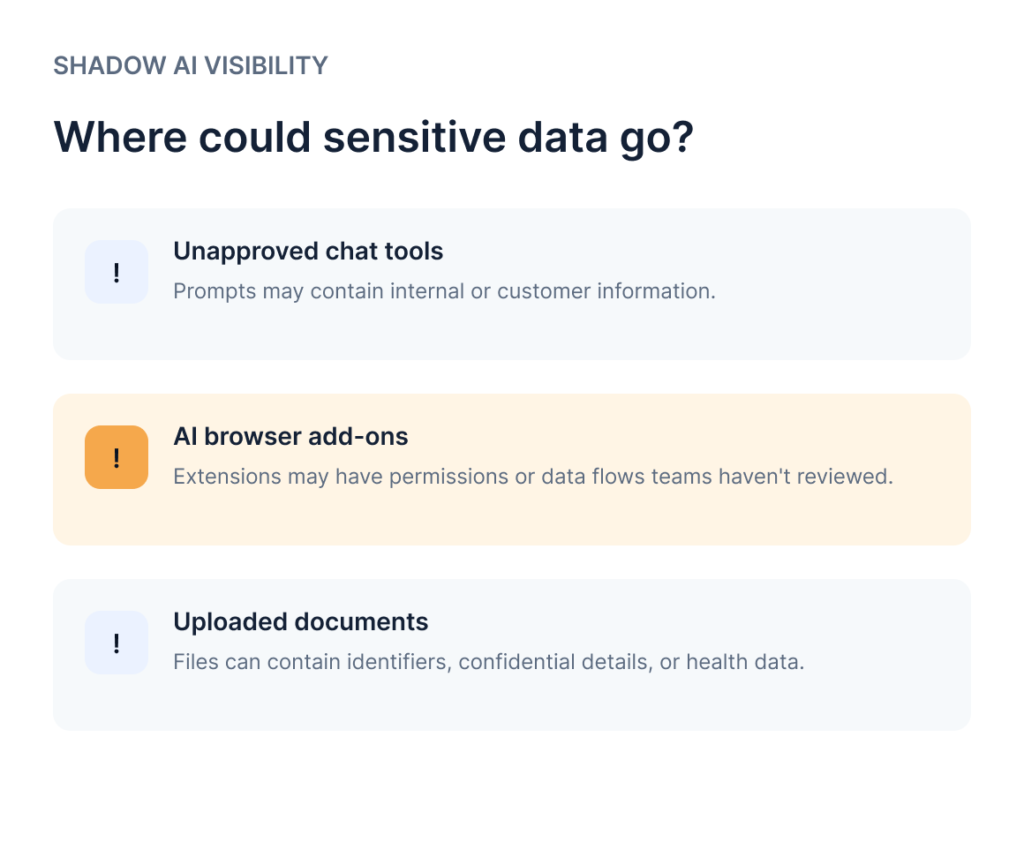
Sensitive data exposure

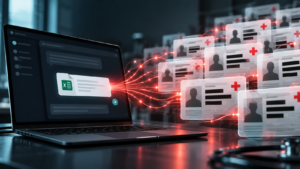
Prompts and uploaded files may include personal, customer, employee, or health information.

Limited visibility

Security teams may not know which tools are used or what data is shared.

Inconsistent practices

Different teams may follow different rules for approved and unapproved tools.

Four steps to detect and control shadow AI

Treat this as an ongoing governance process, not a one-time software rollout.

Discover usage

Review approved-tool lists, employee workflows, browser and endpoint signals where available, and feedback from teams.

Classify the risk

Prioritize tools and workflows by data sensitivity, business purpose, vendor review, and access permissions.

Set clear rules

Define approved use cases, prohibited data, exception paths, and simple guidance employees can follow.

Apply and review controls

Use technical controls where available, train teams, monitor configured signals, and revisit policy as usage changes.

Add controls to supported AI interactions

SecurePledge is designed to help detect sensitive data in supported prompts and files, apply configured redaction or blocking actions before model submission, and log interactions for audit. It should complement – not replace – broader shadow AI discovery, vendor review, employee guidance, and governance.

Employee

Starts a prompt

Configured control

Checks content

Policy action

Redact or block

Audit trail

Log interaction

Make safer AI use easier than workarounds

A strong program combines employee guidance, an approved-tool path, risk-based controls, and regular review.

Publish an approved path

Tell employees which tools to use and how to request exceptions.

Define sensitive data

Explain what must never be entered into AI tools.

Keep people involved

Provide training and a contact for questions or edge cases.

Real-World Applications

Put AI use on a more secure footing

Explore how an AI interaction security platform can help apply sensitive-data controls to supported workflows.

Frequently Asked Questions

Shadow AI is the use of AI tools or features without appropriate organizational approval, visibility, or governance. It can create data security risks when employees share sensitive information with tools that have not been assessed or authorized.
Organizations can review authorized identity, endpoint, network, browser, and application evidence; maintain an AI tool inventory; and ask employees about their workflows. Each method has limitations, so a combination of approaches is generally more useful than relying on one source.
Shadow AI can create risks involving sensitive-data exposure, intellectual property, inconsistent security controls, and compliance obligations. The level of risk depends on the information involved, the tool’s data handling, and the organization’s controls.
Organizations can restrict access to selected tools through appropriate technical controls, but complete prevention is difficult to guarantee across all applications, devices, and workflows. A practical program combines risk-based restrictions with approved alternatives, monitoring, and employee education.
Approved AI has been assessed and authorized under the organization’s policies and security requirements. Shadow AI is used outside those established processes or without sufficient organizational oversight.
AI interaction security focuses on applying controls to AI-related activity, including the handling of sensitive information. The protection available depends on the platform’s supported integrations and deployment; it should complement, rather than replace, broader IT and security controls.